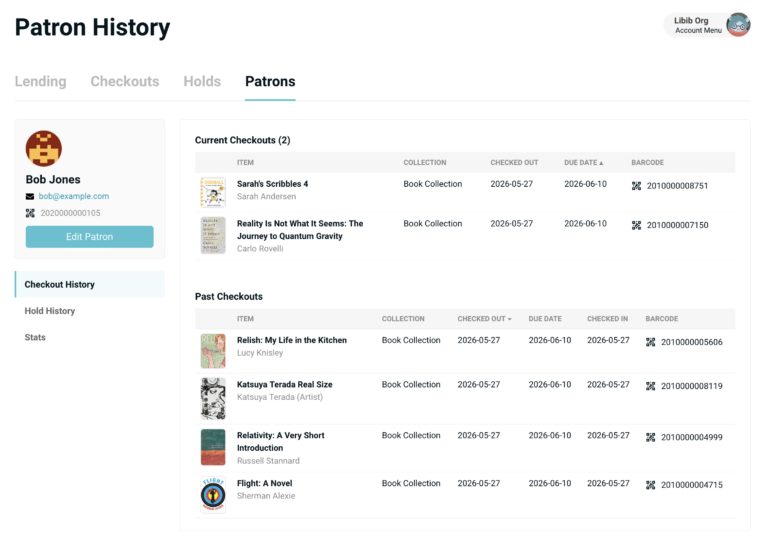

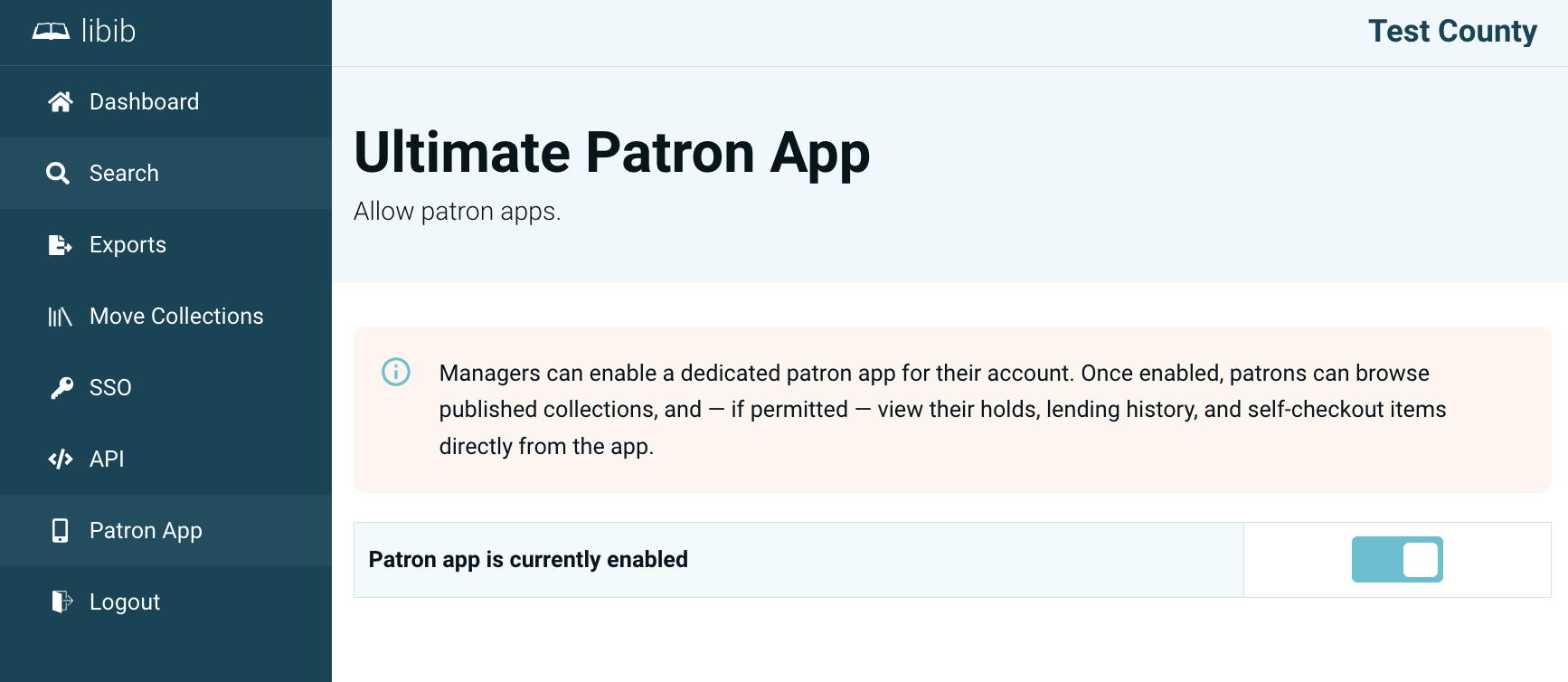
For nearly every library there are two sets of users: The library managers, and the people who use the library, the patrons. The patron app is for that second group. Ultimate level accounts can turn this new feature on which allows patrons to browse their libraries, check items out, and manage their account, all from their own phone.
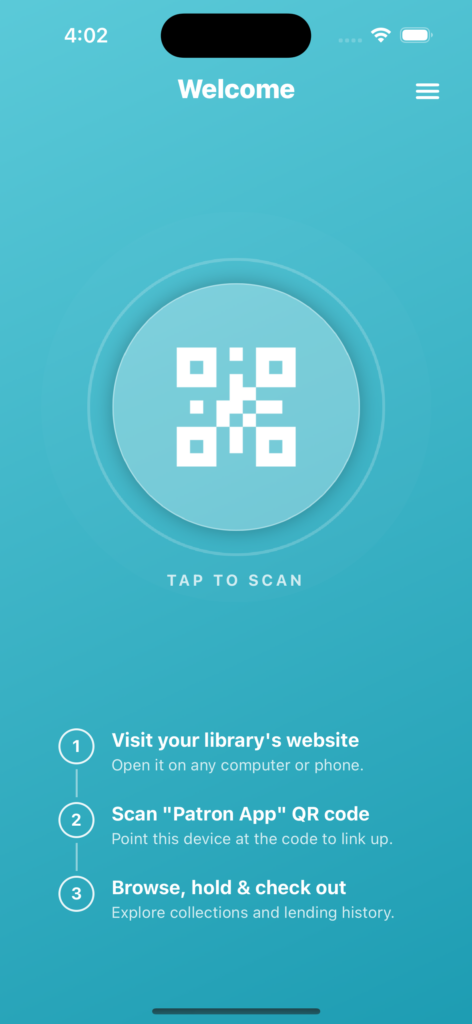
Getting Connected
There’s no account setup to start. When a patron opens the app for the first time, they’re asked to scan the “Patron App” QR code found on your published library’s site (or type in the code manually). That’s it, the app finds the library and loads it.
What Patrons Can Do
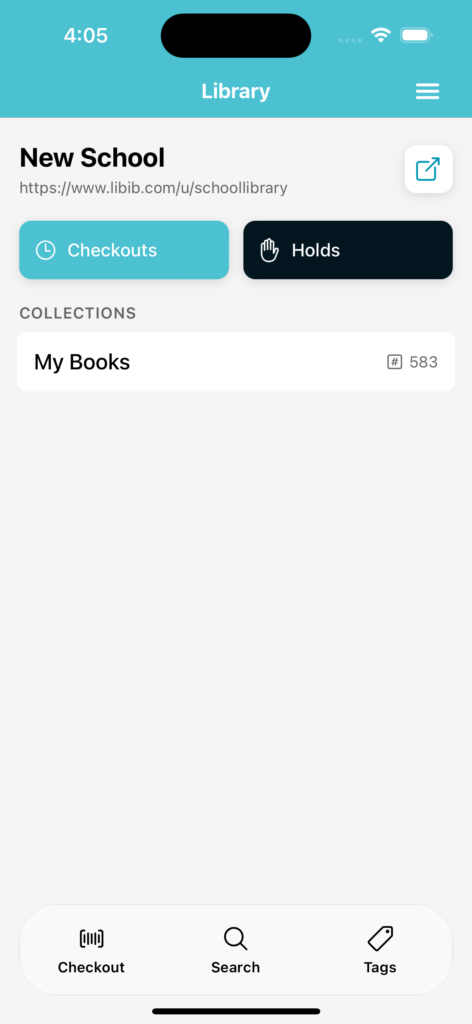
Once connected, patrons see your library the way you’ve set it up: your org, your logo, your collections. From there they can:
Browse and search. Collections can be browsed, and the full catalog is searchable.
Check items out. A patron can check out an item straight from a listing, or point their camera at a physical item’s barcode.
Place and manage holds. Items that are out can be held, and patrons can view or release their holds at any time.
Keep track of their account. A checkout history shows current and past items, with the option to renew when your library allows it.
Everything respects the permissions you’ve configured on the management side — if your library doesn’t allow renewals or holds, patrons simply won’t see those options.